


Gaming Mic Guide: Choose the Right Type for Your Setup
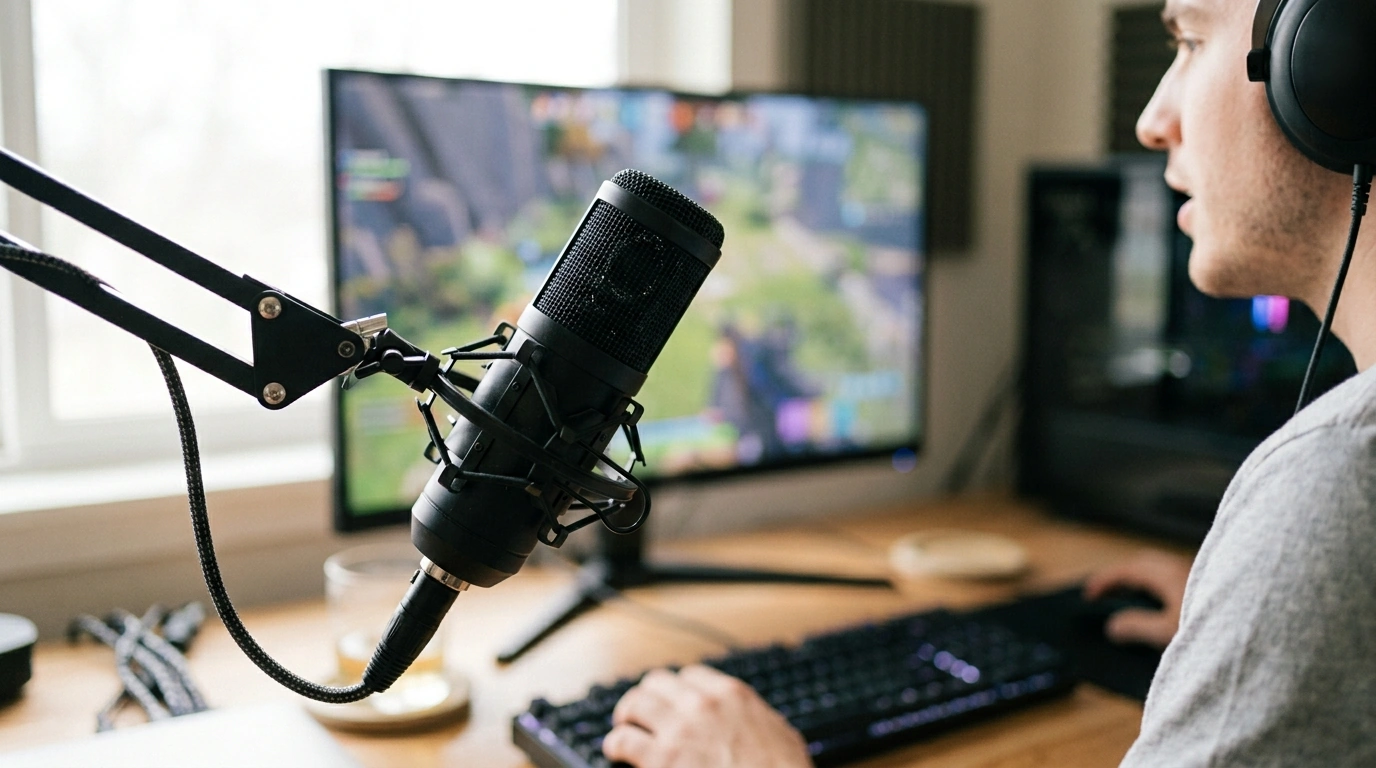
What type of mic is best for gaming?
For most players, a USB cardioid microphone is a practical choice for gaming. It connects directly to your computer, is simple to set up, and focuses on sound coming from in front of the mic—helpful when you want teammates to hear your voice clearly without picking up as much room noise from behind it.
When is a USB condenser mic a good fit?
A USB condenser mic works well if you want clear voice chat, streaming, or recordings without adding an audio interface to your setup. It’s a versatile starting point for a desk, especially when you can position the mic close to your mouth and keep your keyboard and other noise sources farther away.
Would a dynamic mic be better in a noisy room?
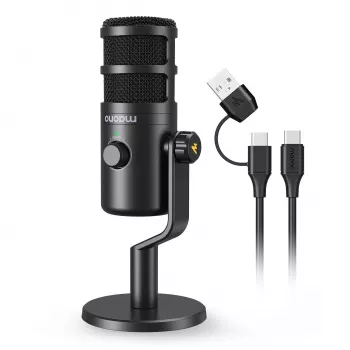
A dynamic mic can be a better fit if your room is lively, your keyboard is loud, or other people are nearby. It tends to capture less surrounding sound than a sensitive condenser mic, but you’ll usually need to speak closer to it to get a strong, clear level.
Is a headset mic enough for gaming?
Yes. A headset mic is convenient if you want one simple setup for listening and talking, or if you move around while you play. A separate desk mic may suit you better if you prioritize voice quality, want more control over placement, or plan to record and stream.
What features matter in a gaming mic?
Look for a reliable connection that works with your device, a pickup pattern suited to your room, and easy access to mute and volume controls. A stable arm stand can help bring the mic close to your voice while keeping desk space open. Position it near your mouth, speak across the front rather than directly into the capsule, and adjust input levels to avoid clipping.
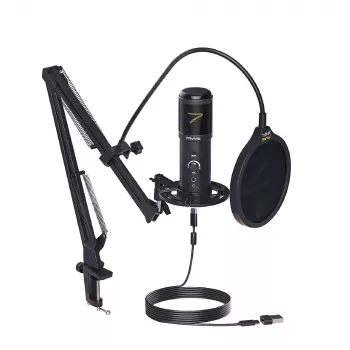
If you’re considering a USB setup with an arm stand, read our USB gaming mic kit and clear-voice guide for more setup guidance.
FAQ
How close should a gaming mic be to your mouth?
Start with the mic about 6–12 inches away, then adjust until your voice sounds clear and even. Keep it slightly off to the side to reduce breath sounds.













Leave a comment