


Best Gaming Mic With Boom Arm: What to Look For
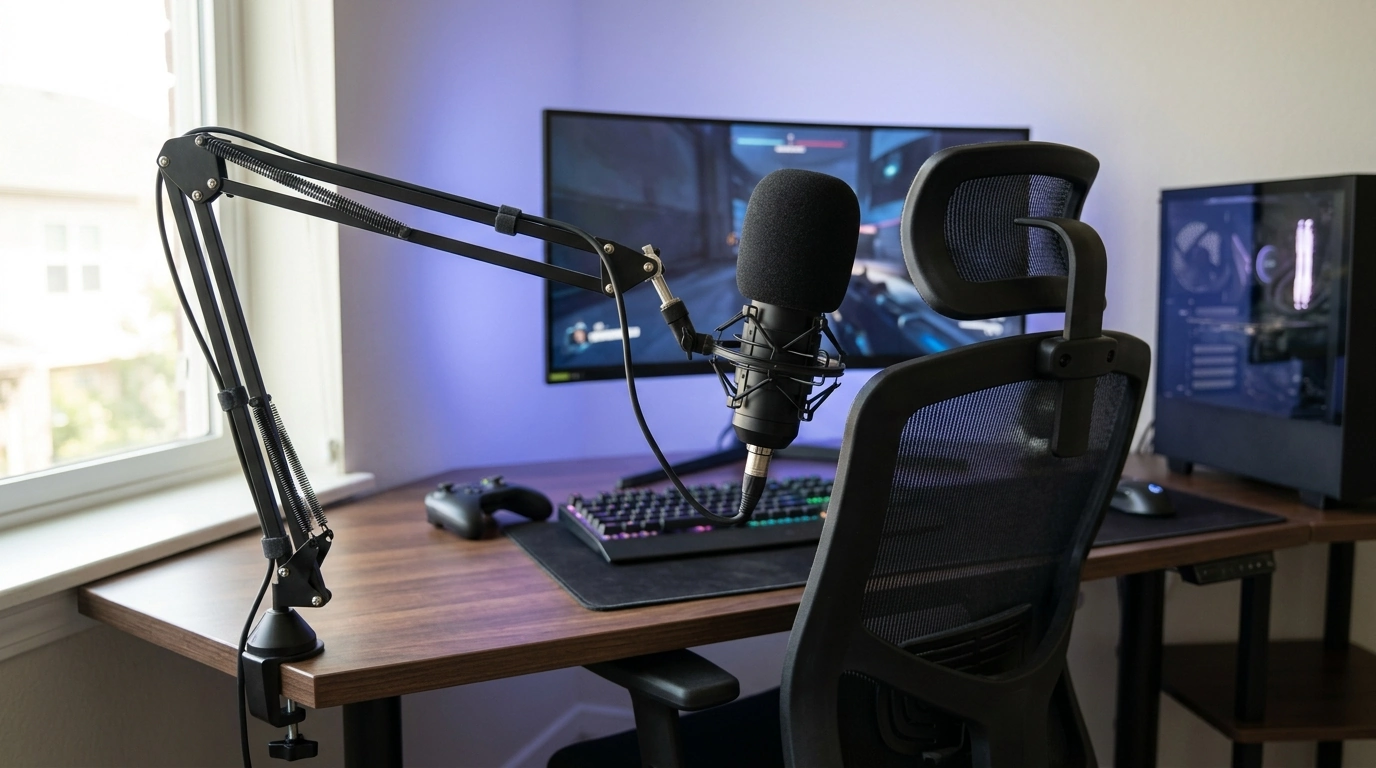
What is a good gaming microphone with a boom arm?
A good gaming microphone with a boom arm is one that delivers clean voice pickup while keeping the mic stable, easy to position, and out of your keyboard-and-mouse space. For most setups, a USB microphone kit that includes a sturdy arm is the simplest win: plug it into your PC or console-compatible setup, clamp the arm to your desk, and you’re ready for streaming, Discord, and in-game chat with minimal fuss.
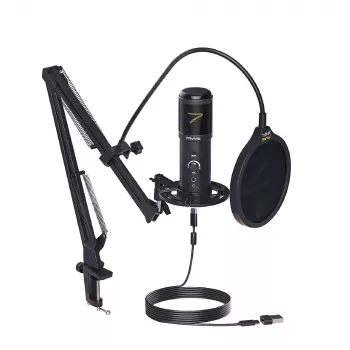
Look for a mic that has a cardioid pickup pattern (to focus on your voice and reduce room noise), a solid shock mount (to tame desk bumps), and a pop filter or foam windscreen (to soften plosives like “p” and “b”). A boom arm should clamp tightly, move smoothly, and hold position without drifting—especially if you’ll be repositioning it between gameplay and chatting.
What to prioritize in a boom arm gaming mic
Sound clarity first: A mic that sounds crisp at normal speaking distance (about 6–10 inches away) helps teammates and viewers understand you without cranking gain. A built-in gain knob or mute button is a bonus for quick control mid-match.
Mechanical stability: Choose an arm with strong springs or internal tensioning and a clamp that fits your desk thickness. If your desk is thin or hollow, stability matters even more.
Useful accessories: A shock mount, pop filter, and proper cable management reduce noise and keep your setup tidy. USB connectivity is ideal for quick setup; XLR makes sense only if you already have an audio interface.
For a practical shortlist of USB gaming microphone kits that come with an arm stand—plus what to check before buying—see this guide: USB Gaming Mic Kit With Arm Stand for Clear Voice.
FAQ
Do I need a pop filter if my mic already has a foam cover?
A foam cover helps with breath noise, but a pop filter usually does a better job reducing sharp plosives. Using both can be helpful if you speak close to the mic.













Leave a comment